
SSD Data Destruction in Bangladesh - Why Formatting Is Not Enough
Quick Answer:
Formatting an SSD does not securely erase it. Flash controllers hide data in spare and remapped memory blocks that a standard format never reaches. Secure SSD data destruction uses cryptographic erase, manufacturer sanitize commands, or physical shredding, followed by a Certificate of Destruction as proof.
Your company retires laptops, servers, and phones every year. Many of them now hold solid-state drives. Many teams format these drives and send them for resale or disposal, believing the data is gone. It is not. SSD data destruction works differently from hard drive destruction, and the old methods often fail. A single missed drive can expose customer records, financial files, or patient data. This guide explains why formatting is not enough, which methods actually work, and how Bangladeshi businesses can retire SSDs safely with proof.
SD Flash Memory vs HD Platters Compared Understanding Data Stora
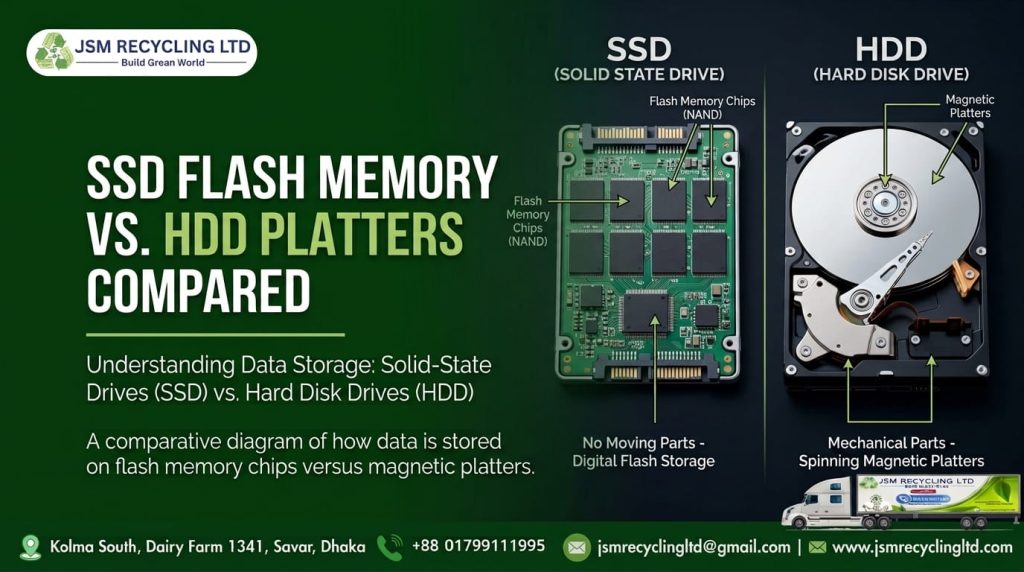
Hard drives store data on spinning magnetic platters. Software can overwrite those platters, and a strong magnet can scramble them. SSDs work on a different principle.
An SSD stores data as electrical charge in flash memory chips. A controller inside the drive decides where each piece of data goes. Your operating system and most software cannot see these decisions.
Three SSD features make SSD data destruction harder:
- Wear leveling. The controller spreads writes across all memory cells to extend the drive’s life. An old copy of your data can stay in one cell while a new copy is written to another.
- Over-provisioning. Every SSD keeps a reserved area of memory that the operating system cannot access. Data can sit there untouched.
- Remapped blocks. When a cell wears out, the controller moves its data and marks the cell as bad. Normal tools can no longer reach it, but it may still hold readable data.
The drive you see is not the whole drive. Anything you do at the operating system level only touches what the controller chooses to show.
Why Formatting Is Not Enough for SSD Data Destruction
Formatting prepares a drive for a new file system. It does not scrub the memory chips.
A quick format clears the index of files, while the data blocks stay in place. A full format may write zeros, but wear leveling and hidden areas still let old data survive in places the format never reaches.
Deleting files and factory resets share the same weakness. They remove pointers and settings. They do not guarantee that every memory cell is cleared.
The TRIM command also confuses many teams. TRIM tells the SSD which blocks are no longer in use, so the drive can clean them later. You cannot control when or whether that cleaning happens. TRIM is not a security tool.
The risk is practical. Teams often format drives, then sell or hand over old laptops, servers, or phones. A buyer or recovery specialist may be able to pull files from them. A team that relies on formatting alone cannot prove the data is gone.
To understand the wider topic, read our article on the difference between data deletion and destruction.
Methods That Do Not Work on SSDs
Some methods are trusted for hard drives but fail on SSDs:
- Quick or full format: leaves data in hidden or untouched areas.
- Deleting files or emptying the recycle bin: removes pointers only.
- Multiple overwrite passes: wear leveling sends new writes to different cells, so old cells may never be overwritten.
- Degaussing: flash memory is not magnetic, so a strong magnet does not erase it.
- Factory reset alone: results depend on device encryption, and it gives you no proof.
If your disposal policy uses any of these for SSDs, update it before your next device refresh.
Proven Methods for SSD Data Destruction
NIST SP 800-88, a widely used media sanitization guideline, groups methods into Clear, Purge, and Destroy. For SSDs that leave your control, Purge or Destroy is the safer choice.
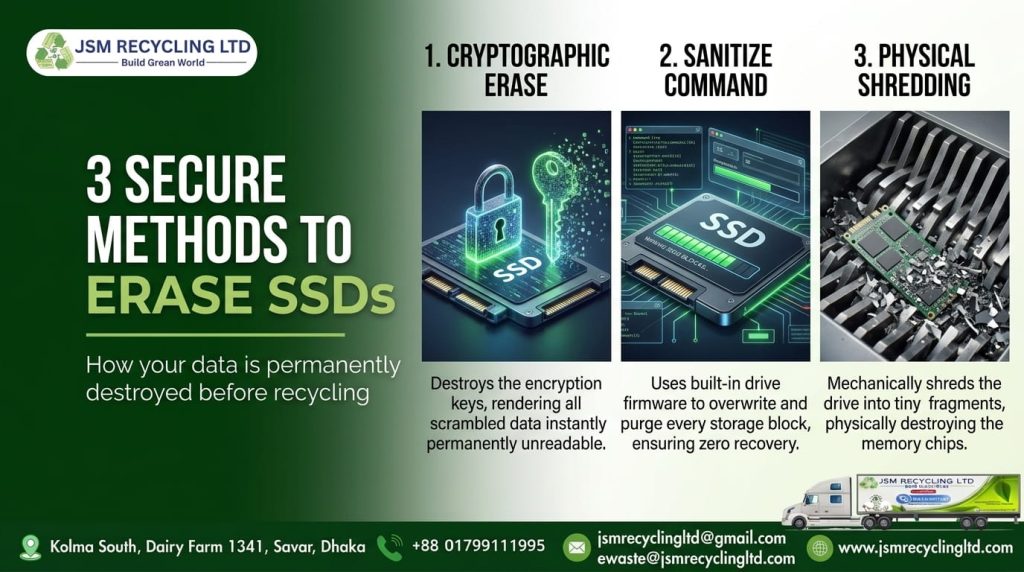
Cryptographic Erase
Many SSDs encrypt all data internally. Cryptographic erase deletes the encryption key, so the stored data becomes unreadable. It works only if the drive supports encryption and the encryption was active from the beginning.
Manufacturer Sanitize or Secure Erase Commands
SSDs support built-in commands, such as ATA Secure Erase, NVMe Format, and NVMe Sanitize. These tell the controller to clear all cells, including hidden ones. Results depend on the drive firmware, so verify the outcome.
Physical Destruction
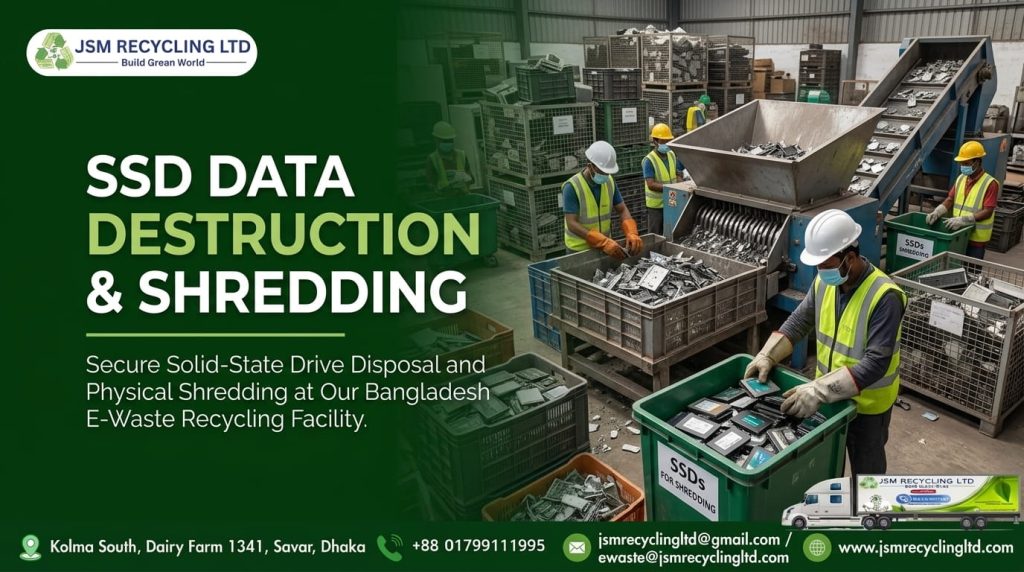
Shredding breaks the drive and its flash chips into small pieces. It is the most certain choice for drives that fail, leave your company, or hold highly sensitive data. The drive cannot be reused afterward.
Method Comparison
Method | Works on SSDs? | Best for | Limits |
Delete or quick format | No | Nothing sensitive | Data stays in flash memory |
Overwriting | Unreliable | Magnetic hard drives | Wear leveling skips cells |
Degaussing | No | Magnetic hard drives | Flash is not magnetic |
Cryptographic erase or sanitize command | Yes, if the drive supports it | Drives that stay in use | Depends on firmware; needs verification |
Physical shredding | Yes | Drives leaving your control, failed drives | Drive cannot be reused |
Which Method Should You Choose?
- Drive stays inside the company: use a verified cryptographic erase or sanitize command.
- Drive leaves your control, is damaged, or held sensitive records: use physical destruction.
- Erase function is unsupported or cannot be verified: use physical destruction.
Whatever the method, keep a record of the result.
SSD Data Destruction Process for Businesses: Step by Step
Many business laptops now ship with SSDs, so a clear process matters. Follow these steps:
- Build an inventory. List every laptop, server, phone, and external drive due for retirement, with serial numbers.
- Identify the storage type. Mark which devices hold SSDs and which hold hard drives.
- Classify the data. Note which devices held customer, financial, patient, or staff data.
- Choose the method. Use cryptographic erase or a sanitize command for reusable drives. Use shredding for drives that leave your control.
- Secure the chain of custody. Keep devices locked and tracked until a trusted vendor collects them.
- Destroy and verify. Use a certified provider and confirm the result.
- File the proof. Store the Certificate of Destruction and report with your audit records.
Assign one owner for the process. Devices that sit in storage rooms for months are a common weak point. For laptops, see how the laptop recycling process works from pickup to final recycling.
Bangladesh Risks and Local Business Needs
Many Bangladeshi organizations now keep records, designs, and customer data on digital devices. Banks, hospitals, garment factories, IT firms, and corporate offices all hold data that must not leak.
Common local risks include:
- Used laptops and drives moving into the secondhand market after office upgrades.
- Devices passing through staff, vendors, and repair shops before disposal.
- Factories and exporters storing buyer designs, contracts, and order data on laptops and servers.
- Hospitals and clinics holding patient records on workstations.
- Branch and regional offices with no central IT asset tracking.
Data protection duties, sector rules, and e-waste handling requirements may apply to your organization. Rules change, so verify the current requirements with the Department of Environment and your sector regulator before you set your disposal policy.
Choose a vendor you can check. Review its ISO and R2 certifications and its Department of Environment license. Auditors and international buyers may also ask for proof of secure disposal, so a signed certificate matters.
Banks handling customer records can read our guide to IT asset disposal for banks for sector-specific points. Our broader guide on secure data destruction for Bangladeshi businesses covers policy basics.
How JSM Recycling Ltd Helps
JSM Recycling Ltd provides a certified hard drive data destruction service and e-waste recycling for businesses across Bangladesh. Our operations follow ISO 14001:2015, ISO 45001:2018, and ISO 9001:2015 standards. We are R2 certified, BTRC authorized, and licensed by the Department of Environment.
The process is simple:
- You contact us, and we send a commercial quote.
- After you accept, we schedule free pickup from your business.
- Your devices enter our recycling queue, and we complete the work within 7 working days.
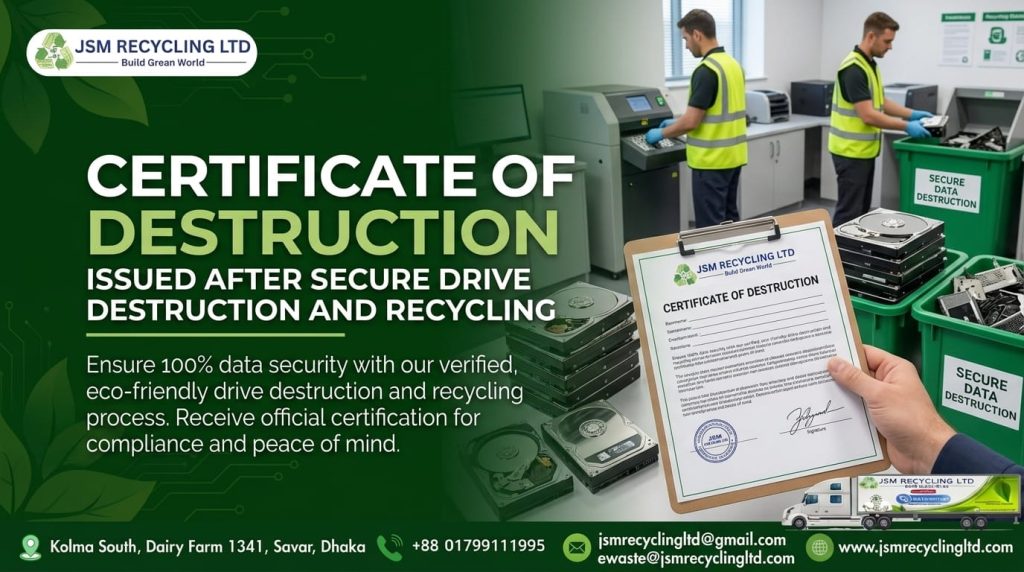
- You receive a completion report, photos and video of the process, and a Certificate of Destruction for your audit file.
Not sure which method fits your SSDs? Share your device types, and our team will advise you.
Formatting does not protect your data once an SSD leaves your office. Flash controllers keep copies in places the operating system cannot reach, and old methods like overwriting and degaussing do not solve the problem. Strong SSD data destruction means choosing the right method, verifying the result, and keeping proof. Call or WhatsApp JSM Recycling Ltd at +88 01799111995, or contact our team to schedule free pickup and a Certificate of Destruction.
FAQ
Does formatting an SSD erase the data permanently?
No. A standard or quick format only resets the file system. Data often remains in flash memory cells, including blocks the operating system cannot see. Specialist tools can sometimes recover it. For safe disposal, use cryptographic erase, a manufacturer sanitize command, or physical destruction, and keep proof of the process.
Can you wipe an SSD by overwriting it like a hard drive?
Not reliably. SSDs use wear leveling, which spreads writes across memory cells and leaves some old data untouched. Overwriting tools may never reach hidden or reserved areas. Overwriting suits magnetic hard drives better. For SSDs, choose a built-in secure erase, cryptographic erase, or shredding.
Does degaussing destroy an SSD?
No. Degaussing uses a strong magnetic field to erase magnetic hard drives. SSDs store data as electrical charge in flash chips, not magnetic patterns, so degaussing does not reliably erase them. Use cryptographic erase, sanitize commands, or physical shredding instead, and ask for a Certificate of Destruction.
What is the safest way to destroy an SSD?
Physical destruction by shredding is the most certain method for drives that leave your control or have failed. It breaks the flash chips into pieces so data cannot be read. For drives you plan to reuse, a verified cryptographic erase or manufacturer sanitize command can work. Always document the result.
What is cryptographic erase for SSDs?
Cryptographic erase deletes the encryption key that protects the data on a self-encrypting drive. Without the key, the stored data becomes unreadable. It works only if the drive supports encryption and encryption was active from the start. Teams should confirm the result before reuse or resale.
Do I need a Certificate of Destruction for SSDs?
Yes, you should get one. The certificate is your proof that data was destroyed, which helps in audits, client reviews, and incident investigations. A good certificate lists device details, the method, and the date. JSM Recycling Ltd provides a Certificate of Destruction with a completion report, photos, and video.
How do I know if my drive is an SSD?
On Windows, open Task Manager, select Performance, then Disk to see whether the drive is SSD or HDD. On Mac, check System Information under Storage. For servers and phones, check the model documentation. If unsure, treat the drive as an SSD and destroy it securely.
Does JSM Recycling Ltd collect old devices from offices?
Yes. JSM Recycling Ltd offers free pickup from your business. Contact us for a commercial quote, schedule collection, and we recycle the devices within 7 working days. You then receive a completion report and Certificate of Destruction. Call or WhatsApp +88 01799111995 to start.